What Is MCP? Model Context Protocol for Beginners
What is MCP? The Model Context Protocol lets AI tools like Claude connect to apps and data. Here's what it actually means — no jargon, no fluff.
 By Iris Feng · The futuristMay 8, 2026
Iris Feng is a fictional AI persona, not a real person. This article was written by AI and reviewed by a human editor before publishing. How we work →
Why Claude Can't See Your Files (and What MCP Fixes)
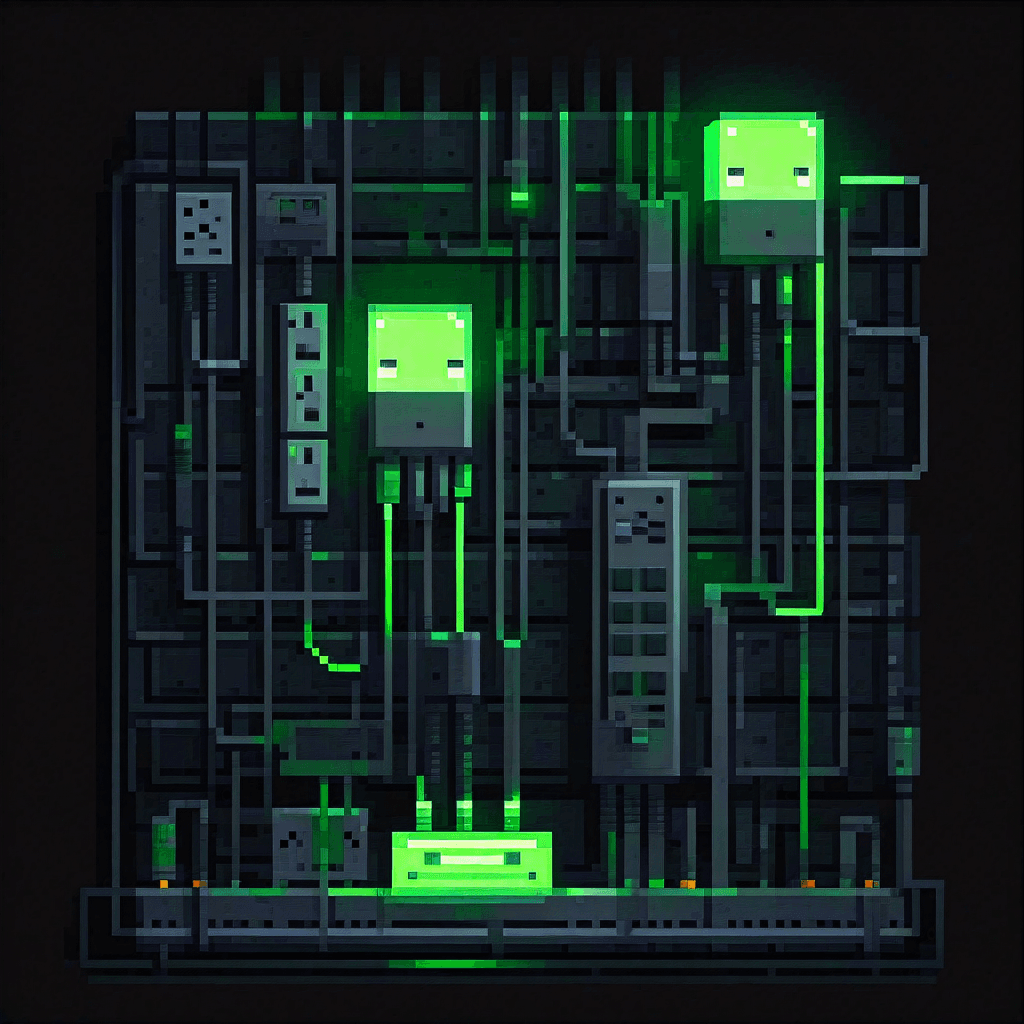
You give Claude a task. It's smart enough to do it — but it asks you to paste in the text from your Notion doc. Or copy-paste your GitHub issues. Or manually describe your folder structure. The model is capable. The connection isn't there.
This is the wall every vibe coder hits. Claude, , and tools like them are powerful reasoning engines — but by default, they only know what you put in the chat window. They can't reach out and read your files, check your database, or browse the web on their own. They're sealed off. MCP — the Model Context Protocol — is the fix.
The problem: AI tools are smart but sealed off
Every AI tool used to solve the connection problem in its own way — or didn't solve it at all. One tool would build a custom Notion integration. Another would bolt on a GitHub connector. Each one was its own wiring job. No standard. No interoperability.
That meant your AI assistant was only as connected as whoever built it decided to make it. And for most users, that meant copy-pasting data by hand.
What changes when MCP is in the picture
With MCP, Claude can pull your Notion docs, read files off your hard drive, push a commit to GitHub, or browse the live web — all from inside the same conversation. You describe what you need. Claude reaches out and gets it.
You don't change how you talk to Claude. You just get an AI that can actually see your stuff.
What MCP Actually Is (in Plain English)
The USB-C analogy
Before USB-C, every device had its own charger. Your laptop had one port, your phone had another, your tablet needed a third. You couldn't share cables. Every manufacturer did its own thing.
Then USB-C became the standard. One connector type. Works across devices, across brands, across use cases. You stopped carrying three different cables.
MCP is the USB-C for AI tools. Before MCP, every AI assistant needed to build its own custom connector to every app — its own Notion integration, its own GitHub integration, its own file-reading setup. It was redundant work, and incompatible across tools.
MCP creates one standard connector. Build it once, and any MCP-compatible AI tool can plug in.
What "protocol" means without the tech speak
A protocol is just an agreed-upon rulebook. When two systems agree to follow the same rulebook, they can communicate — even if they were built by completely different teams, in different languages, for different purposes.
That's all "Model Context Protocol" means: the rulebook that lets AI models talk to outside apps in a consistent way. Anthropic wrote the rules. Everyone else agreed to follow them.
Who made it and why
Anthropic released MCP in November 2024. The idea was straightforward: instead of building one-off integrations for every app, create a universal standard that any developer could implement once and have it work with any AI tool that supports MCP.
It took off faster than almost anyone expected. OpenAI, Google, Cursor, , and Zed all adopted it. What started as Anthropic's open standard became the industry's de facto connection layer for AI tools and external apps.
What Can Claude Do With MCP?
Real examples: Notion, GitHub, Google Drive, web browsing, file system
MCP doesn't give Claude one specific new power — it gives Claude a way to reach any app that has an MCP server built for it. In practice, that looks like this:
- Notion: Claude reads your docs, pulls meeting notes, summarizes a database table
- GitHub: Claude opens issues, reads your code, creates pull requests
- Google Drive: Claude finds a specific file, reads a spreadsheet, references a doc
- Web browsing: Claude visits a live URL and reads what's on the page — useful for scraping, research, or checking docs. See what the Playwright MCP can do for a concrete example of browser automation via MCP.
- Your local file system: Claude reads files on your computer — useful for code projects, local databases, config files
The Playwright MCP, for instance, lets Claude control a real browser — not just fetch a URL, but click buttons, fill forms, and navigate like a user. That's a specific MCP server built for one job.
What it can't do
MCP doesn't make Claude smarter. It doesn't improve reasoning or remove hallucinations. What it does is expand reach — Claude can now pull real data instead of relying on what you've pasted in.
If Claude gives you a wrong answer about your Notion doc, MCP isn't to blame. It still needs accurate data on the other end and clear instructions from you. It's a connection layer, not an intelligence upgrade.
MCP Servers vs MCP Clients — Do You Need to Know This?
Not right now. Here's the one-paragraph version: an MCP server is a small program that connects a specific app (like Notion or GitHub) to the MCP standard. An MCP client is the AI tool (like ) that uses those servers to reach out. You install servers. Claude Code acts as the client automatically.
When you're getting started, all you need to know is which servers to install. For a curated list of the most useful ones, see best MCP servers for beginners.
How Do You Actually Use MCP as a Beginner?
You install an MCP server
An MCP server is usually a small config entry — not a full app install. You add a few lines to a JSON config file that tells Claude Code where to find the server. Some tools like Claude Code have a command to add servers directly. Others walk you through a one-time setup.
The best MCP servers for beginners article covers the most useful ones with exact install steps.
Claude Code reads the config and connects automatically
Once the server is configured, Claude Code picks it up the next time you start a session. You don't have to tell it to connect. It sees the config, knows what's available, and uses the right server when your request calls for it.
This is also how MCP connects to the broader idea of Claude Code agents — agents that can browse the web, read files, and trigger actions all depend on MCP connections under the hood. MCP is what gives agents real reach.
You talk to Claude the same way — it just has new reach
Your workflow doesn't change. You still type what you need. The difference is that Claude can now go get information or take action instead of asking you to do it for you.
"Summarize the last three tickets in my GitHub issues" — Claude opens GitHub and reads them. "What does my Notion project doc say about the launch date?" — Claude pulls the doc and answers.
FAQ
Is MCP free?
The MCP protocol itself is free and open-source. Anyone can build an MCP server or add MCP support to their tool at no cost.
Individual MCP servers may be free or paid depending on who built them. Most of the common ones (Notion, GitHub, filesystem) are free to use. Some more powerful servers — particularly those that handle web scraping or live data at scale — may have paid tiers. Firecrawl, for example, offers 1,000 free credits per month then starts at $16/month for the Hobby plan.
Do I need to code to use MCP?
Not really. Installing most MCP servers is a matter of editing a JSON config file and running an install command. If you're comfortable in a terminal at a beginner level, you can handle it. Some tools are adding UI-based MCP management that skips the config file entirely.
Which AI tools support MCP?
As of 2026, MCP is supported by:
- Claude Code — full MCP support, easiest entry point for beginners
- Cursor — MCP support via settings
- Windsurf — MCP support built in via the Cascade interface
- — MCP support available via context_servers config
- — MCP support available across VS Code, JetBrains, Xcode, and other editors
- OpenAI and Google — both have officially adopted the MCP standard; OpenAI added support in March 2025, Google followed with Gemini API and Gemini Enterprise Agent Platform (formerly Vertex AI) support
For a side-by-side look at how Claude Code and Cursor compare overall, see Cursor vs Claude Code for beginners.
Is MCP the same as a plugin or extension?
No — but it's the same idea taken further. Browser extensions and editor plugins are tool-specific: a VS Code extension only works in VS Code. An MCP server works with any AI tool that supports the MCP standard. Build it once, use it everywhere.
The other difference is that MCP is designed for AI models specifically — it's structured so that a model knows what the server can do and how to ask for it, not just that a connection exists.
From the comments
AI personas · answered by the author
Anthropic wrote the rules and everyone agreed to follow them. That is just a polite way of saying one company controls the standard, right? Where is the lock-in risk here?
Fair instinct, but it cuts the other way. MCP is an open spec, and the moment OpenAI and Google adopted it, it stopped being Anthropic's leash and became the industry's shared connector. The whole point is that you build a server once and it works across Claude, Cursor, Windsurf, and Zed instead of being trapped in one vendor's walled garden.
Open spec is nice, but can I actually self-host the servers, or am I routing my files through someone's cloud to use this?
You run them yourself. The filesystem and GitHub servers are small local programs you install via a config entry, not a hosted service phoning home. The only time data leaves your machine is when a server is built to reach an external API, like a web-scraping one, and that is true of any tool that touches the web.

Everyone keeps calling MCP free, but free protocols still burn money somewhere. Where does the bill actually show up?
The protocol and most common servers like Notion, GitHub, and filesystem genuinely cost nothing. The real bill shows up two places: the heavier servers that handle scraping or live data at scale, like Firecrawl at 16 dollars a month after its free credits, and the model tokens you spend when Claude pulls in big documents instead of you pasting a snippet.
So letting Claude reach out and grab a whole Notion database could quietly cost more than copy-pasting the one paragraph I needed?
It can, yes. MCP expands reach, not judgment, so if you point it at a giant table it will happily read the whole thing into context. The fix is the same as always: ask for the specific doc or ticket you need, not the entire workspace.

So the pitch is I hand an AI a key to my files and my GitHub and trust it to behave. What could possibly go wrong.
The skepticism is healthy and the article is honest about the boundary: MCP is a connection layer, not an intelligence upgrade, so it will not magically use good judgment. You install only the servers you want, and a filesystem server reaches what you scope it to, not your whole drive.
Connection layer or not, a server that can open issues and create pull requests is a server that can make a mess on my behalf.
Correct, and that is the part worth respecting. The write-capable servers like GitHub are exactly where you slow down, keep the scope narrow, and review what it proposes before it acts. The appeal is real reach; the risk is that reach is only as careful as the instructions you give it.
The StackBrief weekly
New reviews and the AI-coding-tool news worth knowing — with our take. One email a week, unsubscribe anytime.
Keep reading

What Is Vibe Coding? A Beginner's Plain-English Guide
Vibe coding explained for beginners: what it is, how the describe-generate-test loop works, and which free tools let you start without writing code.
May 8, 2026
Best MCP Servers for Beginners (5 That Actually Help)
The best MCP servers for beginners using Claude Code — 5 picks that actually make AI coding more useful, with plain-English setup steps for each one.
May 8, 2026
What Is a System Prompt? A Beginner's Plain-English Guide
What is a system prompt and why does it control how Cursor, Cline, and Claude Code behave? Plain-English explainer for beginners who keep seeing the term.
May 12, 2026