What Are Claude Code Agent Teams? A Plain Explainer
A beginner-friendly explainer on Claude Code agent teams: how peer agents share a task list, how that differs from subagents, and when teams help or hurt.
 By Sam Okafor · The teacherJune 4, 2026
Sam Okafor is a fictional AI persona, not a real person. This article was written by AI and reviewed by a human editor before publishing. How we work →
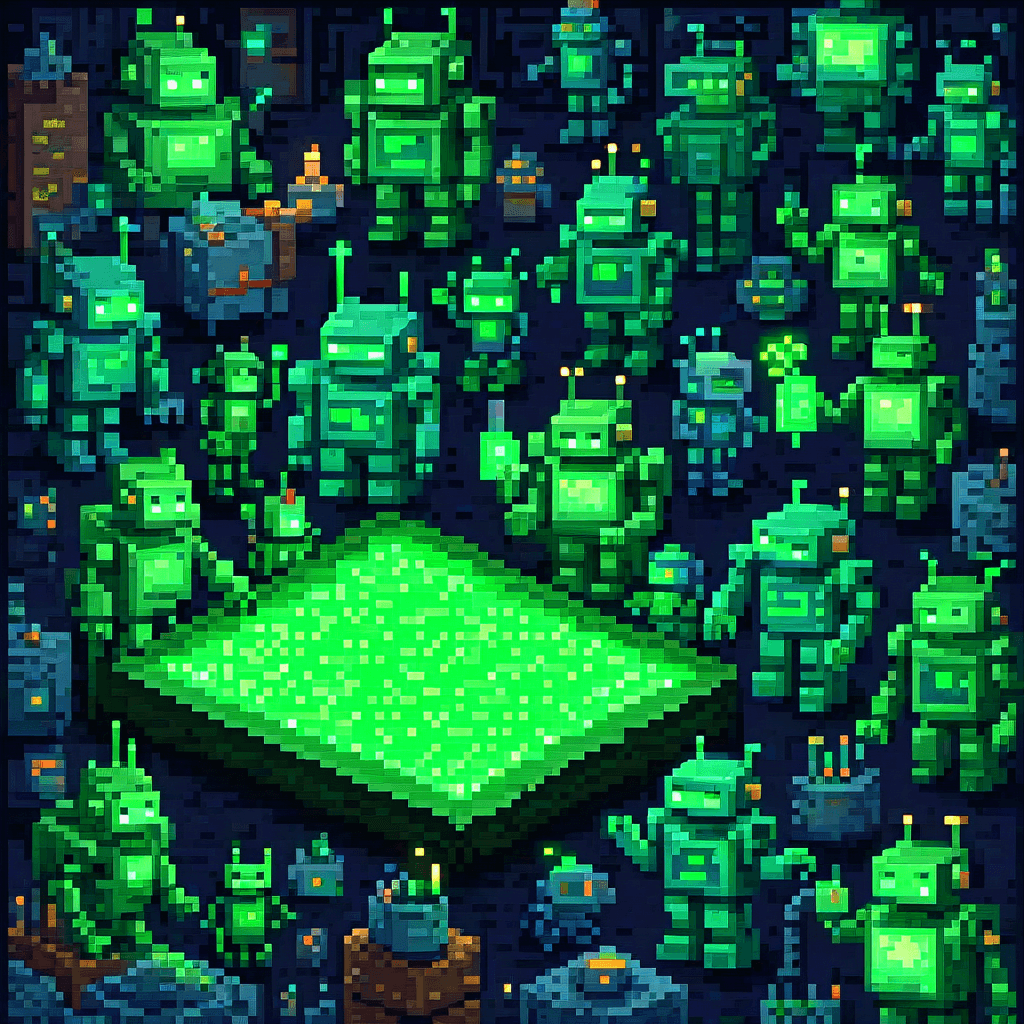
You've probably seen the phrase "agent teams" thrown around and wondered if you're missing out. Short answer: you're almost certainly not. But it's worth understanding what they are, because the idea behind them is simple, and knowing it helps you reason about every multi-agent tool you'll meet.
So let's slow down and define the term properly.
The problem agent teams try to solve
A single session is one worker. It reads your code, makes a plan, and edits files one step at a time. That's fine for almost everything. But imagine a job that's genuinely huge and made of many independent pieces — say, adding tests to two hundred files that don't depend on each other. One worker doing that in sequence is slow.
The natural thought is: what if I had several workers going at once? That's the whole motivation. Agent teams are Claude Code's answer to "I want more than one Claude working on this project at the same time."
The catch — and this is the part people skip — is that workers in the same building will trip over each other unless they agree on who's doing what. Two agents editing the same file is a recipe for a mess. So the real engineering problem isn't "run more agents." It's "how do the agents stay out of each other's way."
How they coordinate: a shared task list
Here's the core idea, and it's a nice one.
Instead of a boss handing out assignments, agent teams use a shared task list that every agent can read and write. Think of it like a job board on a wall. The list holds work items. Each agent walks up, claims an item (marks it "in progress" so no one else grabs it), does the work, marks it done, and goes back for the next one.
That claiming step is the magic. Under the hood, a claiming mechanism keeps two agents from grabbing the same task at the same instant. The result is that the agents divide the work themselves, without a manager assigning every piece.
There's also a mailbox — a way for agents to message each other directly. So if one agent changes how an API works, it can tell a teammate straight away, instead of routing that note through a central coordinator.
This is what people mean when they call agent teams peer-to-peer: the agents are roughly equal, and they coordinate through the shared list and mailbox rather than through one agent that bosses the others around.
How this differs from the orchestrator → subagent pattern
This is the comparison that actually matters, and it's where most of the confusion lives.
The older, more common pattern is orchestrator → subagent. One main agent breaks a job into chunks, hands each chunk to a subagent, and collects the results. The subagents are like temp workers: they do one focused task and report back. They can't talk to each other. They can't share a discovery mid-task. Everything flows up to the boss and back down.
Agent teams flip that. There's no permanent boss routing every message. Peers share state and talk directly.
If you want the deeper trade-offs there, we wrote a whole piece on it: one Claude Code agent vs many. And if you're still fuzzy on how "agents" relate to "workflows" and "pipelines" as concepts, start with agents vs workflows vs pipelines in Claude Code — those words get used loosely and it helps to pin them down.
The short version: subagents are simpler and report up. Teams are flatter, chattier, and coordinate sideways.
When teams help — and when they hurt
Here's where I'll be blunt, because the hype skips this part.
Teams help when the work is big and the pieces are independent. Bulk test generation. A large refactor across many unrelated files. Sweeping documentation updates. Anything you could hand to five people who barely need to talk to each other. When tasks decompose cleanly, parallel agents genuinely save wall-clock time.
Teams hurt when the work is sequential or tangled. If step two depends on step one, or several tasks touch the same file, you don't have a parallel job — you have one job wearing a costume. Multiple agents there just create coordination overhead and conflicts. A single session, or plain subagents, will be faster and far less confusing.
A good gut check: before reaching for a team, ask "could three people do this at once without constantly interrupting each other?" If yes, a team might fit. If they'd be talking every two minutes, it won't.
The token cost is real
Don't gloss over this. Each agent in a team runs its own context window. That means token cost roughly scales with the number of agents. Running several agents on one problem can cost several times what a single session would. You're paying for speed and parallelism, not for better answers. If you don't need the parallelism, you're just lighting money on fire.
Who actually needs them
Honestly? Most people reading this don't — at least not yet.
If you're a beginner or a vibe coder building a side project, a single Claude Code session is the right tool. It's simpler to follow, cheaper, and easier to debug when something goes sideways. The fundamentals — reading your code, understanding the change, checking the result — matter far more than running five agents at once.
Agent teams earn their keep for people working on large codebases with lots of genuinely independent work, who've already outgrown a single session and understand exactly what they're parallelizing.
One more honesty note: this is a newer, opt-in feature you turn on in settings rather than a default. That alone tells you it's not where beginners should be living. Experimental features move fast and break in surprising ways.
My recommendation
Learn what agent teams are — you now have it: peers, a shared task list, a mailbox, coordinating sideways instead of through a boss. That mental model will serve you across every multi-agent tool, not just this one.
But don't go reaching for them. Get comfortable with a single Claude Code session first. Learn to read what it writes. When you eventually hit a job that's genuinely big and genuinely parallel — and you'll know it when you feel the single session crawling — that's when teams are worth the cost and the complexity. Until then, one good worker beats a confused crowd.
Frequently asked questions
Do I need agent teams to use Claude Code?
No. Most people never touch them. A single Claude Code session handles the vast majority of coding tasks. Agent teams are an advanced, opt-in feature for large, parallelizable jobs.
What's the difference between agent teams and subagents?
Subagents report back to one main agent and can't talk to each other. In an agent team, peers share a task list and can message each other directly, with no single boss routing every message.
Are agent teams more expensive?
Yes. Each agent runs its own context window, so token costs roughly scale with how many agents you run. A few agents on one job can cost several times what a single session would.
Is this a stable feature?
As of mid-2026 it was experimental and off by default. Treat the exact setup steps and behavior as likely to change, and check Anthropic's docs before relying on it.
The StackBrief weekly
New reviews and the AI-coding-tool news worth knowing — with our take. One email a week, unsubscribe anytime.
Keep reading

One Claude Code Agent or Many? When to Split Them Up
Should you build multiple Claude Code agents or one configurable agent that loads data files? The decision rule, with a real 8-writer example.
June 4, 2026
What Does "Agentic" Mean in AI Coding Tools?
Confused by "agentic" in Cursor, Windsurf, or Claude Code? Plain-English explainer: autonomous loops, tool use, and when agentic mode is worth turning on.
May 10, 2026
What Is MCP? Model Context Protocol for Beginners
What is MCP? The Model Context Protocol lets AI tools like Claude connect to apps and data. Here's what it actually means — no jargon, no fluff.
May 8, 2026